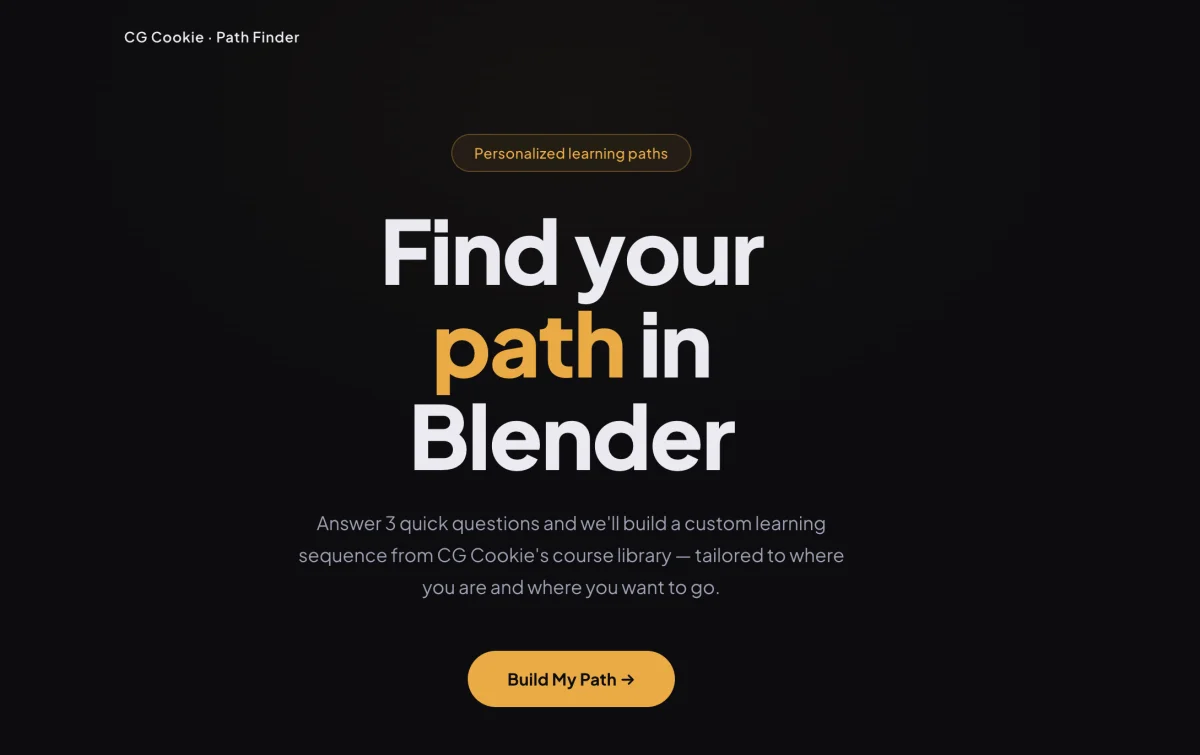
CG Cookie Learning Path Finder
An interactive tool that helps learners find a personalized Blender course path based on their experience level, focus area, and learning style.
What it does
Users answer three quick questions — experience level, focus area (animation, modeling, VFX, etc.), and how they learn best — and receive a curated, ordered list of CG Cookie courses with an explanation of why each course belongs in their path.
Running locally
Requires a local web server (the browser blocks fetch() on file://):
# Python
python3 -m http.server 8080

# PHP / Laravel Herd
php -S localhost:8080
Then open http://localhost:8080.
Adding or updating courses
All course and path data lives in data.json. No code changes required.
To add a course, add an entry to the courses object:
"myCourse": {
  "title": "Course Title",
  "url": "https://cgcookie.com/courses/...",
  "cats": ["Category"],
  "desc": "One sentence description."
}
The version field is optional — only include it for version-specific courses (e.g. "4.5", "2.8").
To add a course to a learning path, reference its key in the relevant path's steps array inside paths:
{ "id": "myCourse", "why": "Why this course belongs at this point in the path." }
Path keys follow the pattern {focus}_{level}_{goal} (e.g. animation_beginner_fast).
Files
| File | Purpose |
|------|---------|
| index.html | Page structure and markup |
| styles.css | All styling |
| app.js | UI logic and path building |
| data.json | Course catalog and learning paths |